
Get started for free

Transform each signed agreement into automatic invoicing, collection, and reconciliation, so bookkeepers never chase payments.









Remove billing friction so bookkeepers can secure cash flow and focus on client growth.
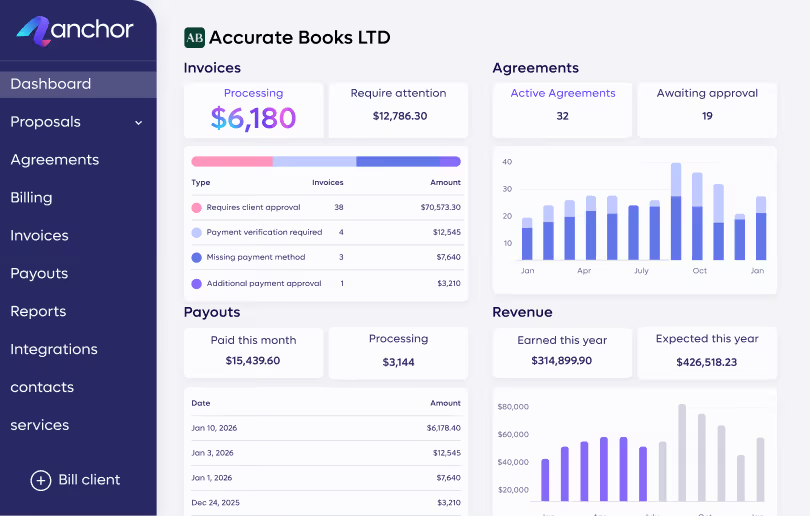
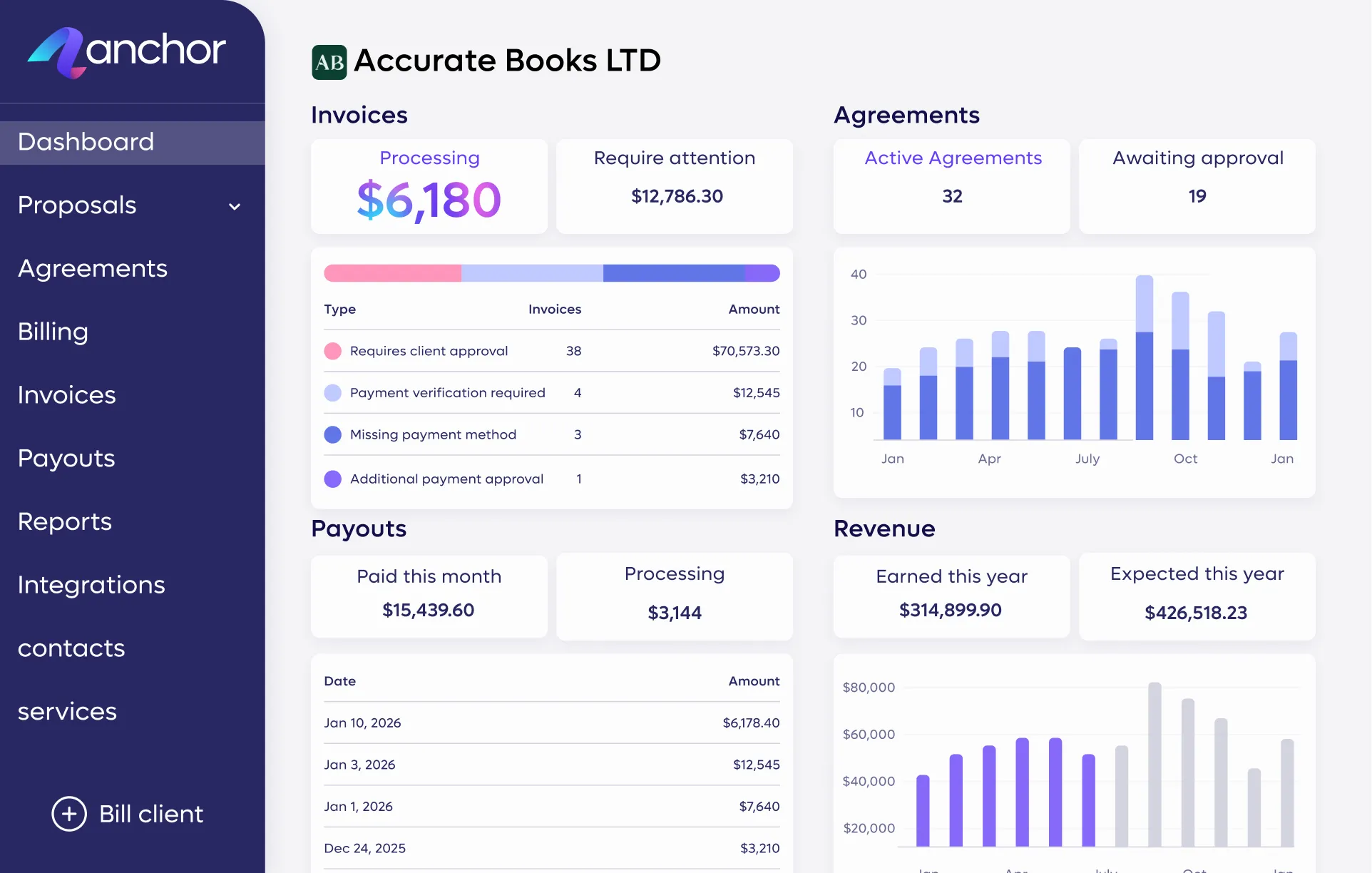
Run your entire client lifecycle on one dashboard with a self-serve portal that eliminates the need for follow-ups.
Eliminate repetitive bookkeeping tasks with an automated workflow that prevents dual data entry and manual errors entirely.
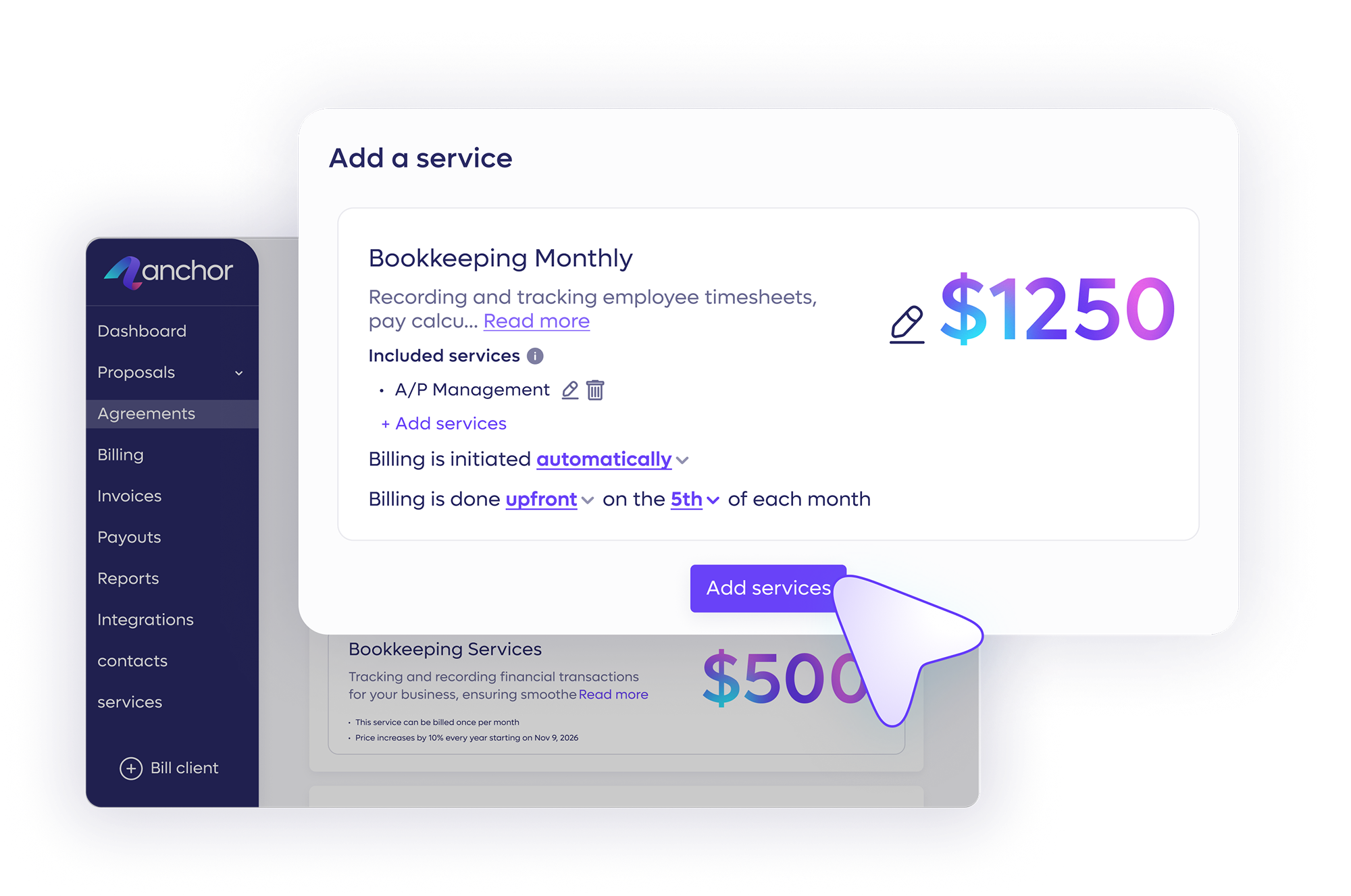
Bill every retainer, recurring fee, and out-of-scope charge from your agreement to prevent forgotten invoices and revenue leakage.
Close your books faster while capturing every billable item and eliminating endless follow-up emails.
Turn approved proposals into live agreements that automatically generate invoices, collect payments, and reconcile books from one place.
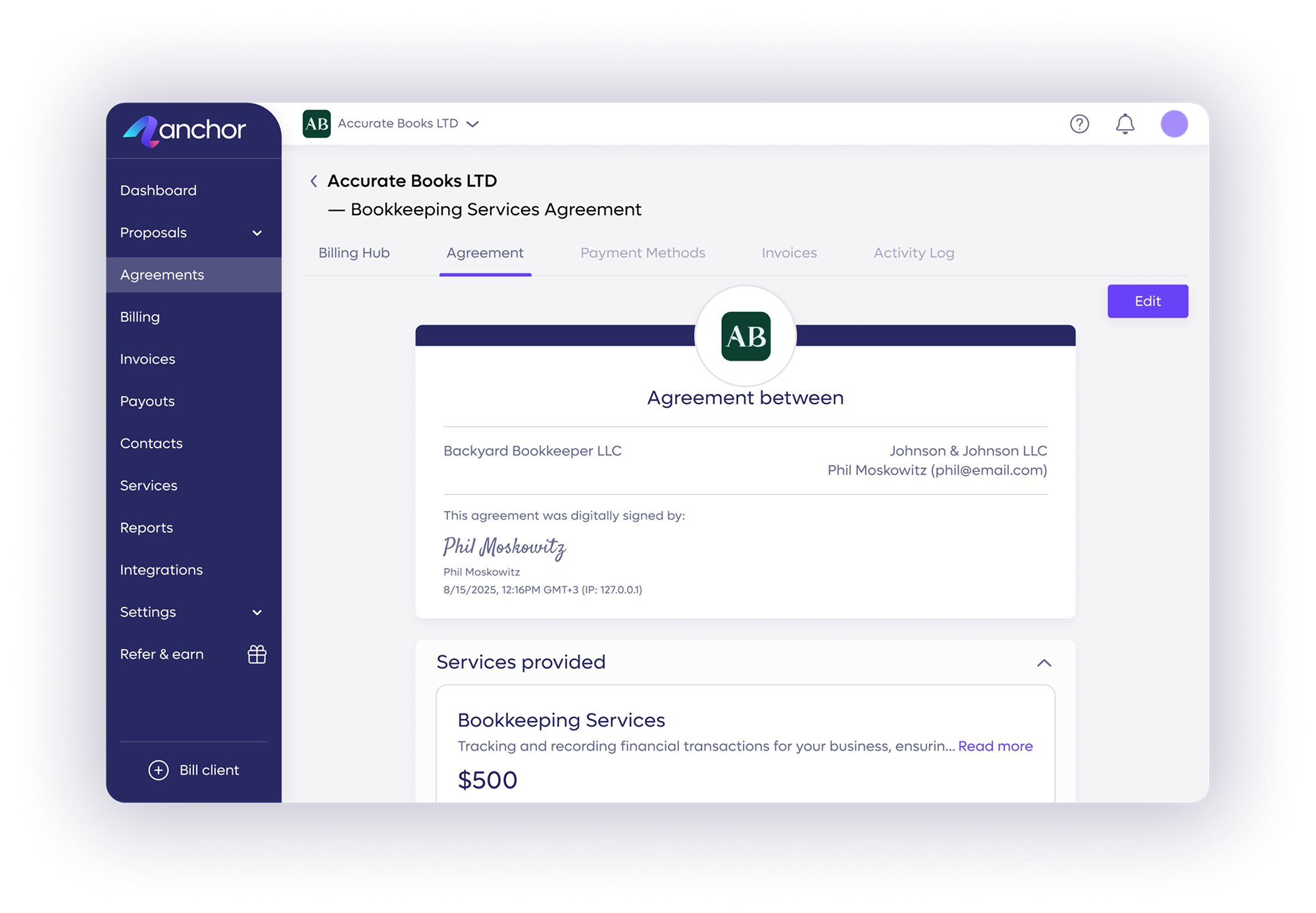
Choose ready-made templates, import your own documents, or build from scratch using your service library—all with full branding customization.
Learn more →
Capture payments automatically on their exact due date via pre-approved payment methods and eliminate all awkward follow-up emails.
Learn more →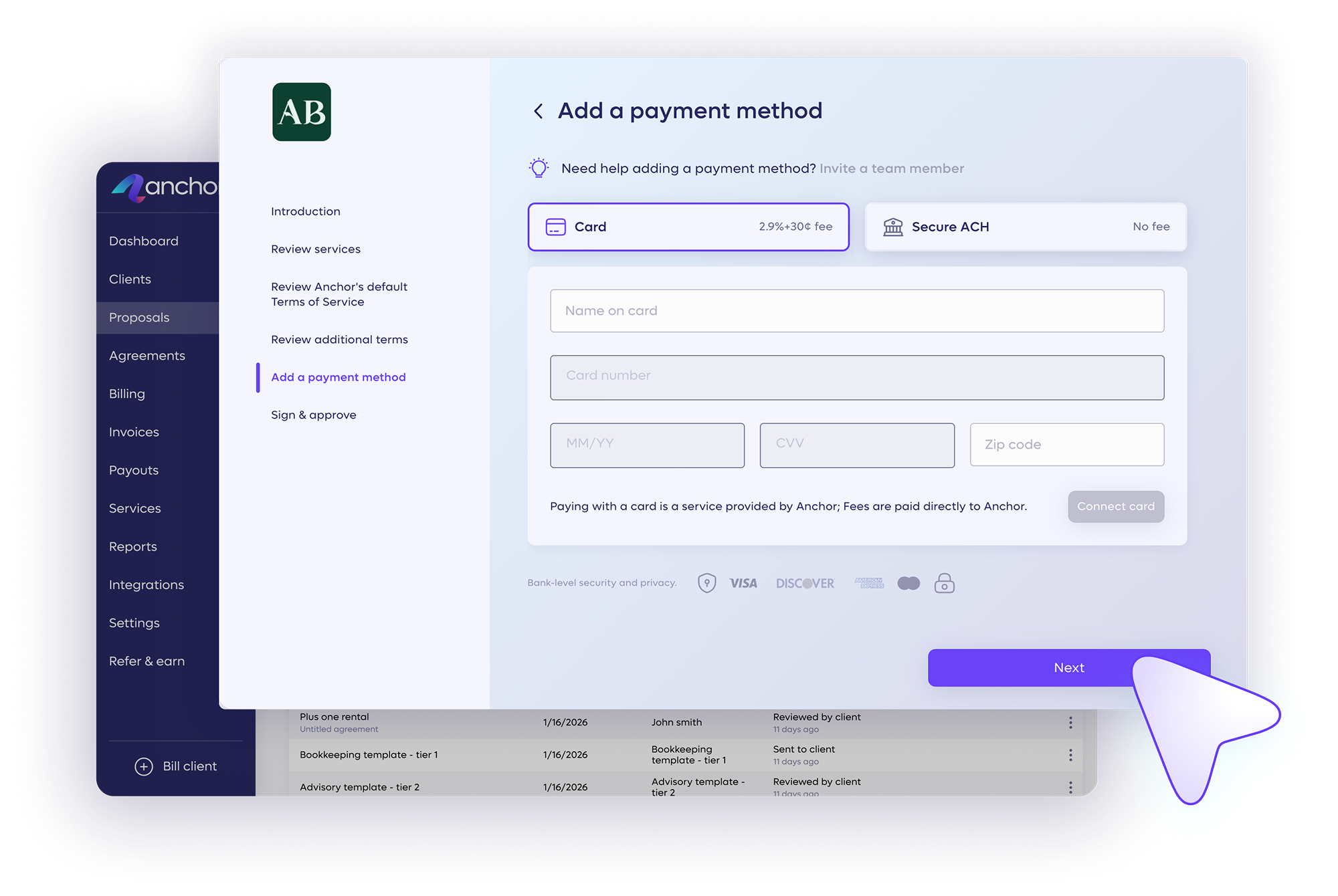
Sync all invoices and payments to your QuickBooks or Xero ledger automatically so your books stay accurate and reconciled.
Learn more →.avif)
Give clients one dedicated portal to review and sign agreements, update payment details, and track their complete billing history.
Learn more →Expand engagements from the same agreement to include advisory and accounting services, and bill them automatically without new proposals.

Integrations
Connect to the tools your firm already runs on, so your books and the rest of your stack move together, in real time.
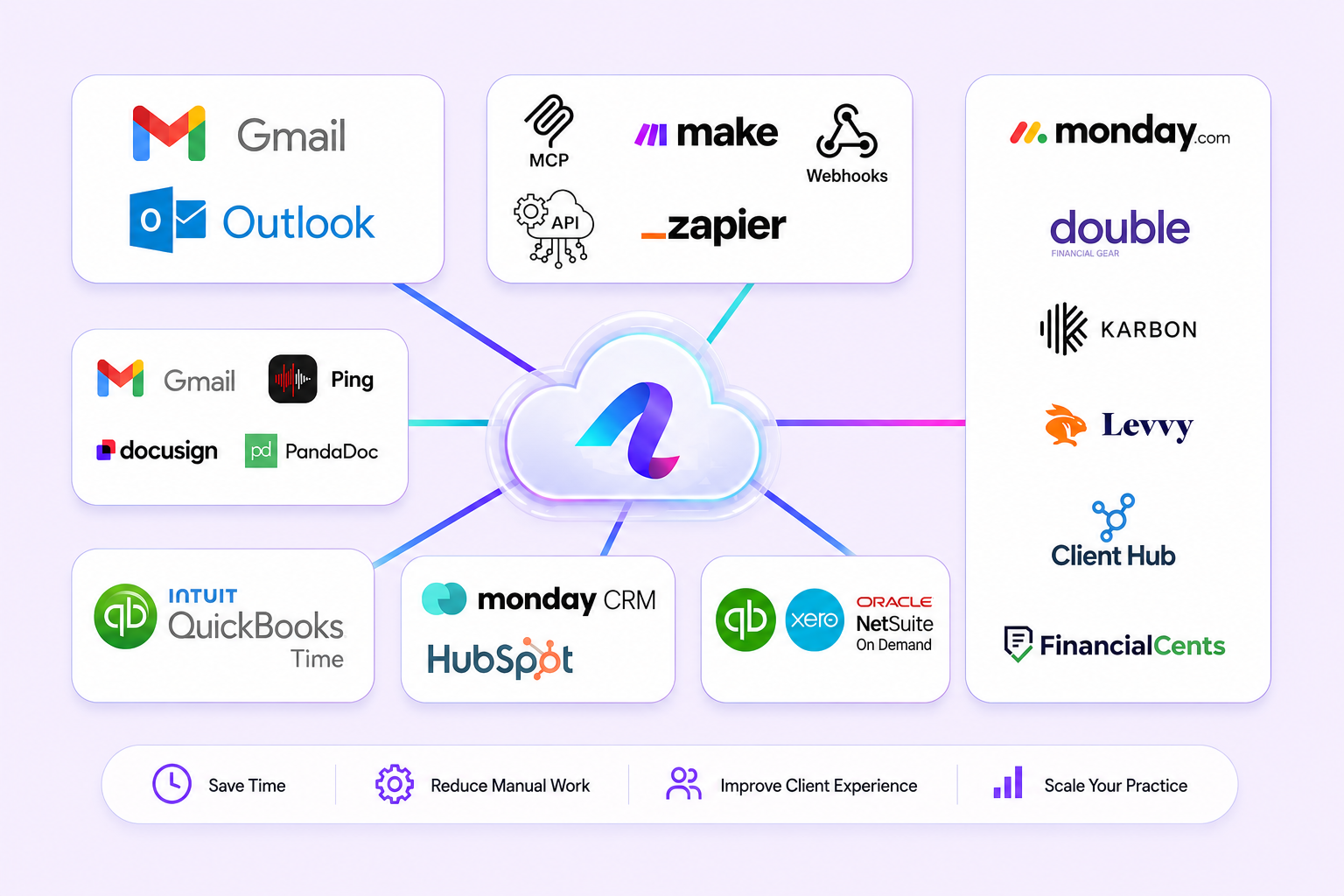
Stay accurate and up-to-date at all times with an automatic real-time data sync with QuickBooks Online.
Connect QuickBooks →Stay fully synced with our Xero native integration, every invoice, payment, and reconciliation flows back to your ledger automatically.
Connect Xero →Connect Anchor with thousands of popular apps and automate your billing workflows without writing a single line of code.
Explore Make scenarios →Connect Anchor with thousands of popular apps, so you can automate your work and have more time for what matters most.
Browse Zaps →Works with QuickBooks, Xero, Zapier, Make, and more.
Set it up once and your agreement automatically handles invoicing,
collection, and reconciliation without any input.
Send branded, interactive proposals that lock in scope, terms, and pricing upfront, so you close engagements faster.
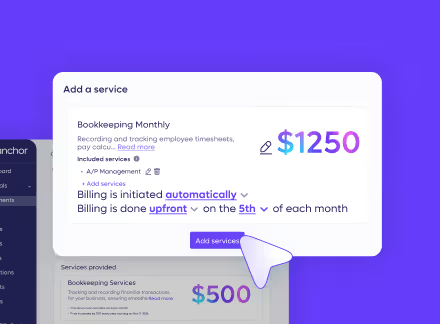
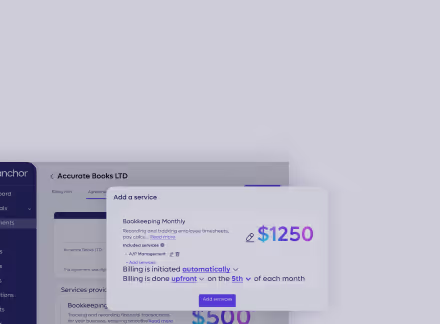
Capture your client's preferred payment method the moment they sign, so billable work never starts without secured cash flow.
Generate and send every invoice automatically based on your agreement schedule, whether one-time or recurring.
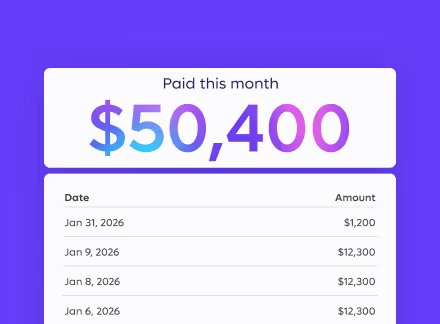
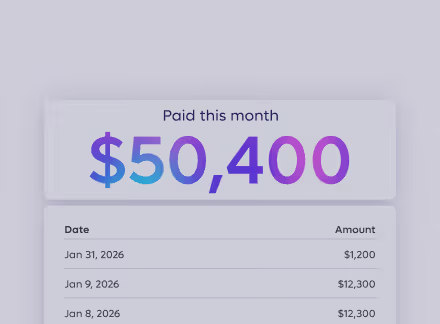
Get paid on the exact due date through ACH transfers or credit cards, and control who covers the processing fee.
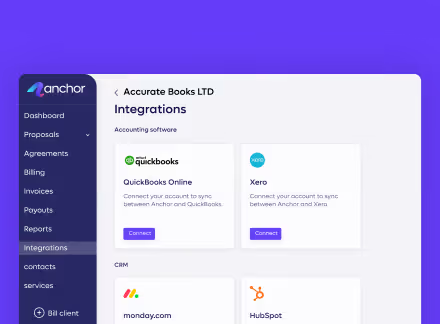
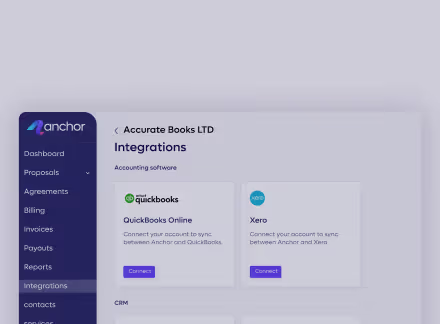
Push every payment directly to your accounting software in real time so your books reconcile automatically.
See how Anchor is helping accounting firms get paid faster
and focus on what matters most.



No subscriptions and no hidden fees. You only pay $5 per payment. That's it.
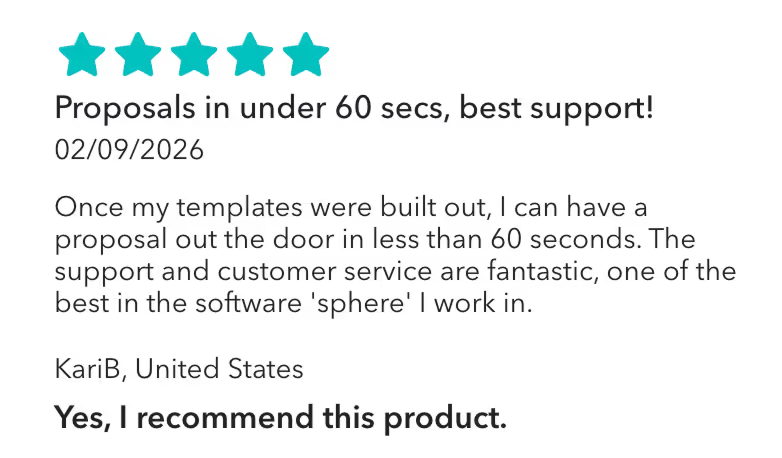
“Once my templates were built out, I can have a proposal out the door in less than 60 seconds. The support and customer service are fantastic, one of the best in the software 'sphere' I work in.”
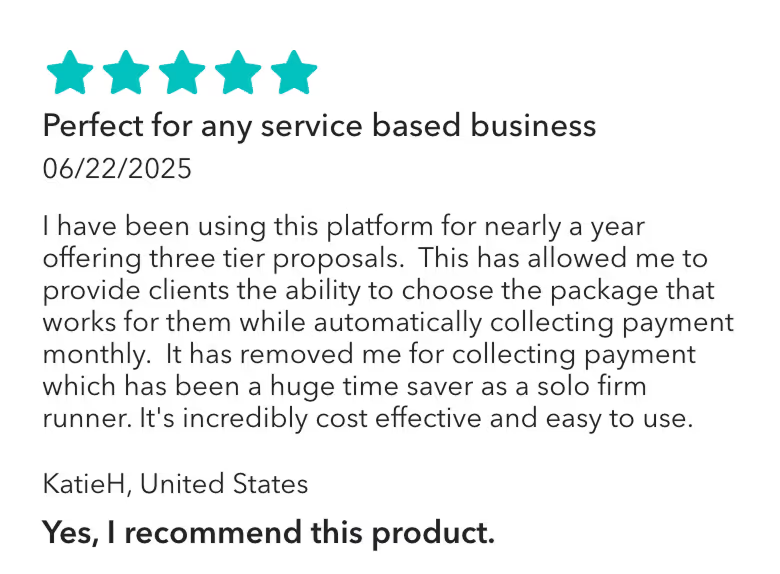
Anchor has allowed me to provide clients the ability to choose the package that works for them while automatically collecting payment monthly. It has removed me for collecting payment which has been a huge time saver as a solo firm runner."
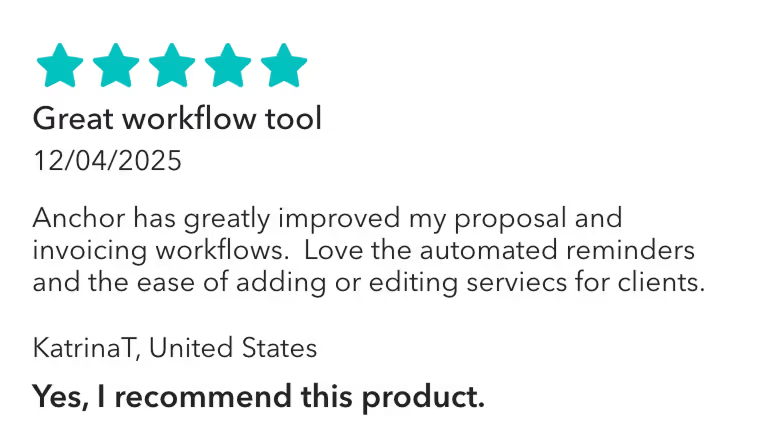
Anchor has been awesome since we've started using it! I like that you can build out your templates, and send very professional and customizable proposals to clients. I've gotten great feedback from clients overall, and I like the different features Anchor has to offer. It's also very inexpensive and offers tremendous value.

Measurable impact that changes how firms operate.

Based on 120+ reviews

Based on 30+ reviews
Reclaim your hours for advisory work and join thousands of bookkeepers who ditched billing admin—no credit card required.

A flat $5 per payment received. No monthly subscription, no per-user cost, no per-client limit, and no setup fees. You pay nothing until money actually moves, so the cost always tracks your revenue rather than running ahead of it. ACH payments are free for your clients; card payments carry a 2.9% + $0.30 processing fee that you can pass on to clients or absorb yourself.
Every billable item lives in the signed agreement, so recurring fees, one-off charges, and out-of-scope work all get invoiced automatically instead of being remembered manually. Nothing depends on someone noticing a missed charge at month-end, which is where leakage usually happens. When scope changes mid-engagement, you update the live agreement and the next invoice reflects it.
Your client connects a preferred payment method (ACH or card) when they sign the agreement. On each invoice's due date, Anchor charges that pre-approved method automatically based on the agreed terms, with no manual step from you and no action required from the client. The client can see every charge in their portal before it runs.
An approved proposal becomes a live agreement, and that agreement generates invoices automatically when billing is due, on the schedule and terms you set. There's no re-keying and no separate invoicing step, so the path from signature to payment stays in one connected flow rather than three disconnected tools.
Yes. You can set up unlimited recurring invoices for retainers and ongoing bookkeeping work, billing on a bi-weekly, monthly, quarterly, or yearly schedule. Anchor charges on schedule automatically, which removes the repetitive month-end invoice run entirely. The same agreement also handles one-time and project-based billing, so a client on a monthly retainer can still be charged for a separate one-off without a new contract.
Yes. Add your firm's logo and tailor the colors of your proposal and invoice templates to match your brand, so every client-facing document looks like an established practice. Anchor includes a library of predefined service templates to start from, or you can import your own, and AI assistance can help you write your proposals, agreements, and service descriptions from the start.
Because the payment method is pre-approved before any work begins, payment is collected automatically on the due date rather than chased afterward. That removes most of the friction that causes late payments, including the awkward follow-up call, since collection is built into the agreement itself rather than bolted on after delivery.
Payments arrive on a known schedule from pre-approved terms, so revenue stops depending on when clients get around to paying. The business dashboard shows your revenue forecast, invoice pipeline, outstanding amounts, and upcoming collections in real time, so you can see what's coming in before it lands.
Anchor is free to start with no credit card required, and your first client agreement can be live shortly after you sign up. You import your client details, pick a service template, and start sending agreements the same day.
CH payments are completely free, and you have full control to either absorb the processing fees for credit cards or pass them directly to your client. This allows you to dictate your exact billing mechanics during the initial agreement setup.
If a client stops a payment within Anchor, it is placed on hold free of charge until they click "Resolve" to let it proceed. If a payment fails due to an external dispute or ACH return, it is marked as failed—incurring a $20 chargeback fee—and you can manually retry processing it in your dashboard after reviewing the issue with your client.
Anchor integrates with QuickBooks Online, Xero, Karbon, Keeper, Client Hub, Financial Cents, and monday.com. Payment and invoicing data syncs automatically, keeping your books up to date and reconciliation clean without manual exports or re-entry.
Yes. Anchor includes team management features that let you add as many users as your firm needs. You can assign and customize access permissions per user controlling who can create, edit, or view proposals, invoices, and client information making it easy to delegate billing tasks without losing oversight.
Because payments are collected automatically based on pre-approved terms, revenue arrives consistently and on schedule. Anchor's business dashboard provides real-time visibility into revenue forecasts, invoice pipelines, outstanding amounts, and upcoming collections giving firm owners the data they need to plan confidently and eliminate cash flow surprises.
With Anchor, your invoicing and payments data automatically syncs with QuickBooks Online, ensuring a successful reconciliation and keeping your books up-to-date.
